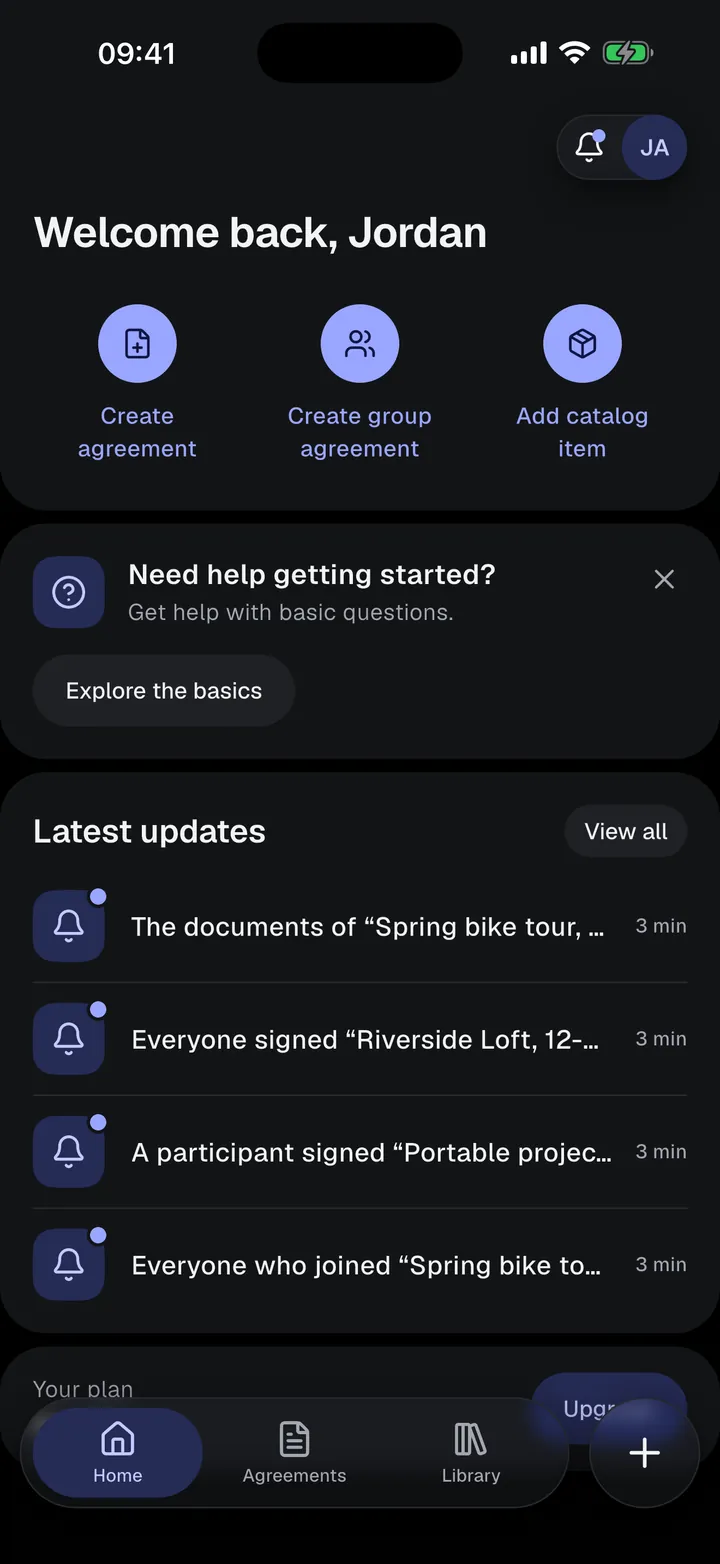
Bike rental agreementRent out bikes.Signed at the rack.
A ready-made bicycle and e-bike rental agreement on your phone. Fill in the bike, the period, and the deposit, take condition photos, and let the renter sign before they ride off.
- Frame number and accessories
- Condition photos with date and time
- Group agreements for bike tours
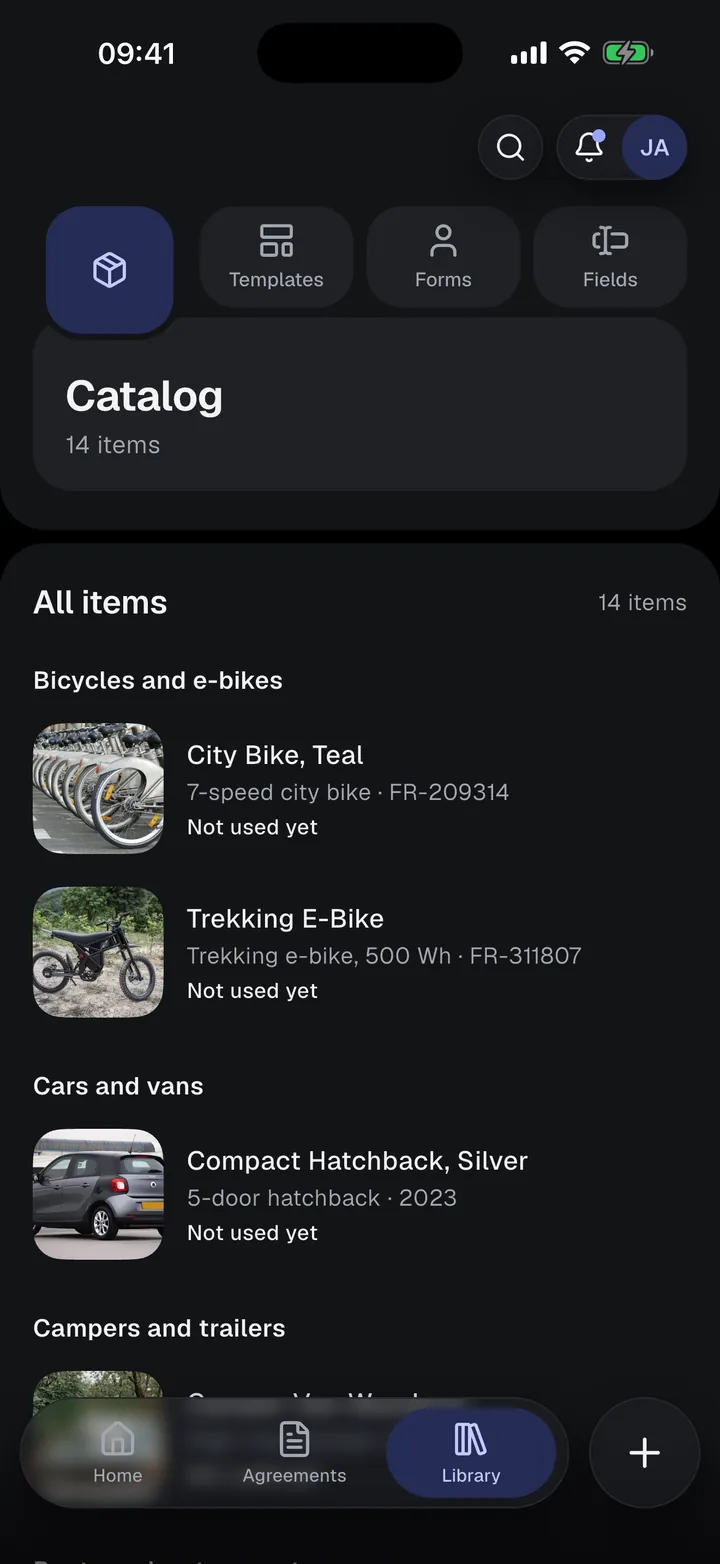
Bicycle and e-bike rental
Written for bike and e-bike rentals, from a single city bike to a fleet for a tour.
Use it as it is, or change the text, fields, and roles and save it as your own template. Available in all 10 app languages.
Rental details to fill in
- Item name and type
- Brand and model
- Frame number
- Included accessories, such as a helmet, lock, or charger
- Rental period
- Pick-up and return location
- Rental fee and deposit
- Condition notes and condition photos
The agreement text covers
- Bicycle and included equipment
- Rental period and return
- Rental fee and deposit
- Condition and safety at handover
- Riding and permitted use
- E-bike battery and charging
- Security, loss, and damage
- Accidents and mechanical problems
- Return and inspection
Who signs
- Lessor
- Renter
Photograph it at handover. Sign it into the agreement.
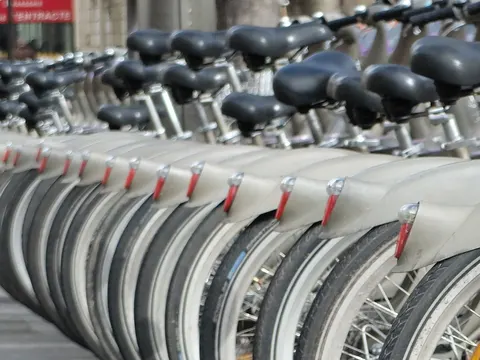
Take photos of what you rent out before you hand it over. They appear in the signed agreement with the date and time each one was taken, so if it comes back damaged, you both have a record of how it left.
- Photos sit in the agreement next to the condition notes
- A template can require them before anyone signs
- Locked with the terms at the first signature or signing request
- Use the Condition report template to record the state at return
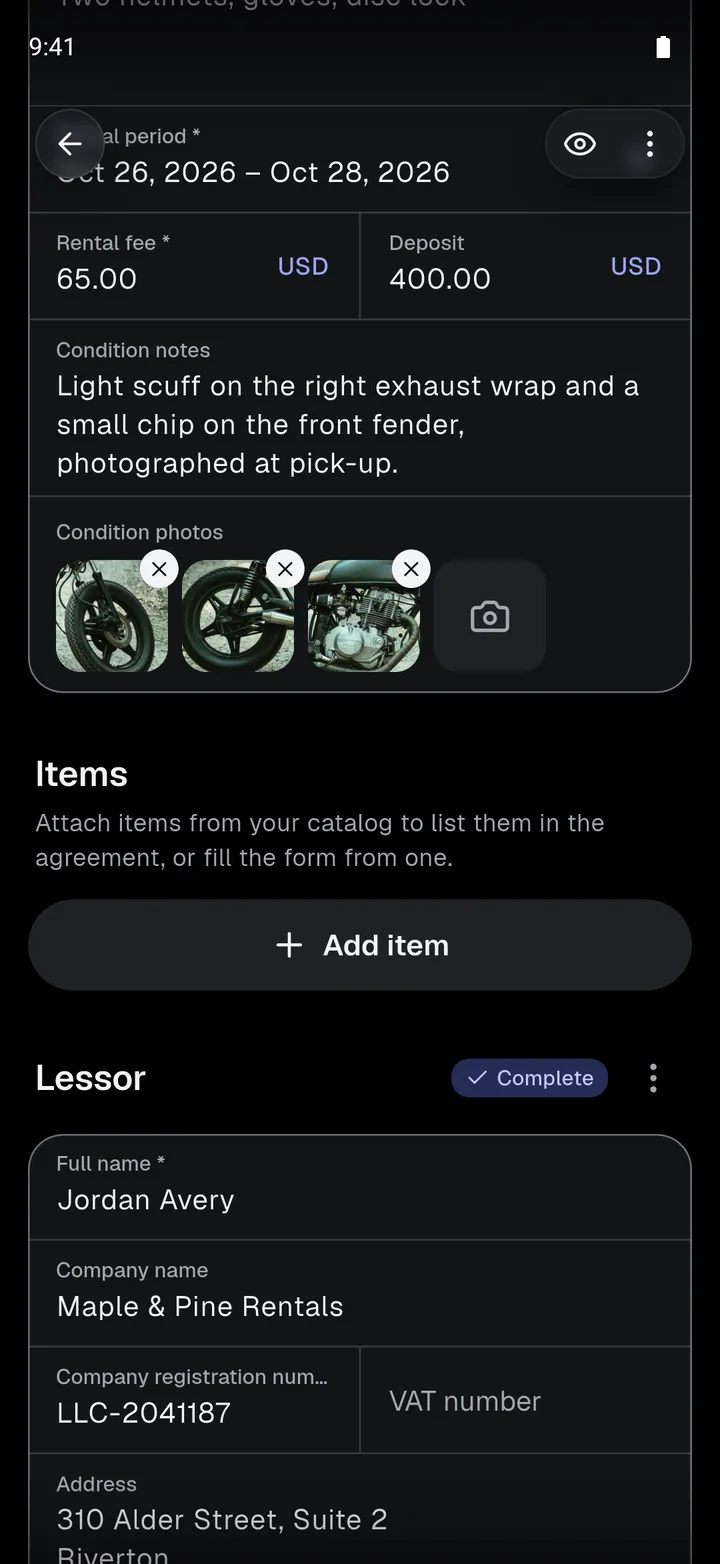
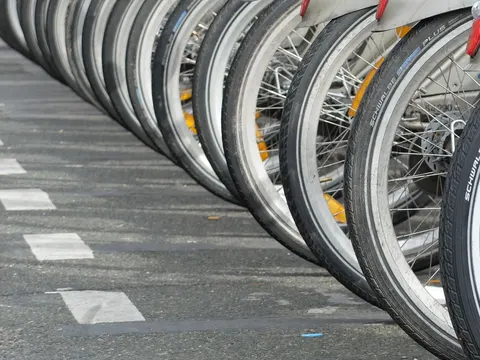 Taken Oct 18, 2026, 9:41 AM
 Taken Oct 18, 2026, 9:42 AM
From template to signed PDF, on your phone
- 01
Save your bikes once
Add each bike to your Catalog with its brand, model, frame number, size, and photos. Start an agreement from a bike and its details fill in.
- 02
Check the bike together
Note scratches or worn parts and take condition photos at the handover. They become part of the agreement before anyone signs.
- 03
Sign and ride
The renter signs on your phone, or on their own phone through a private link. You get the signed PDF.
Sign face to face, or send a link.
Only you need an account. Renters, tenants, guests, and witnesses sign without the app.
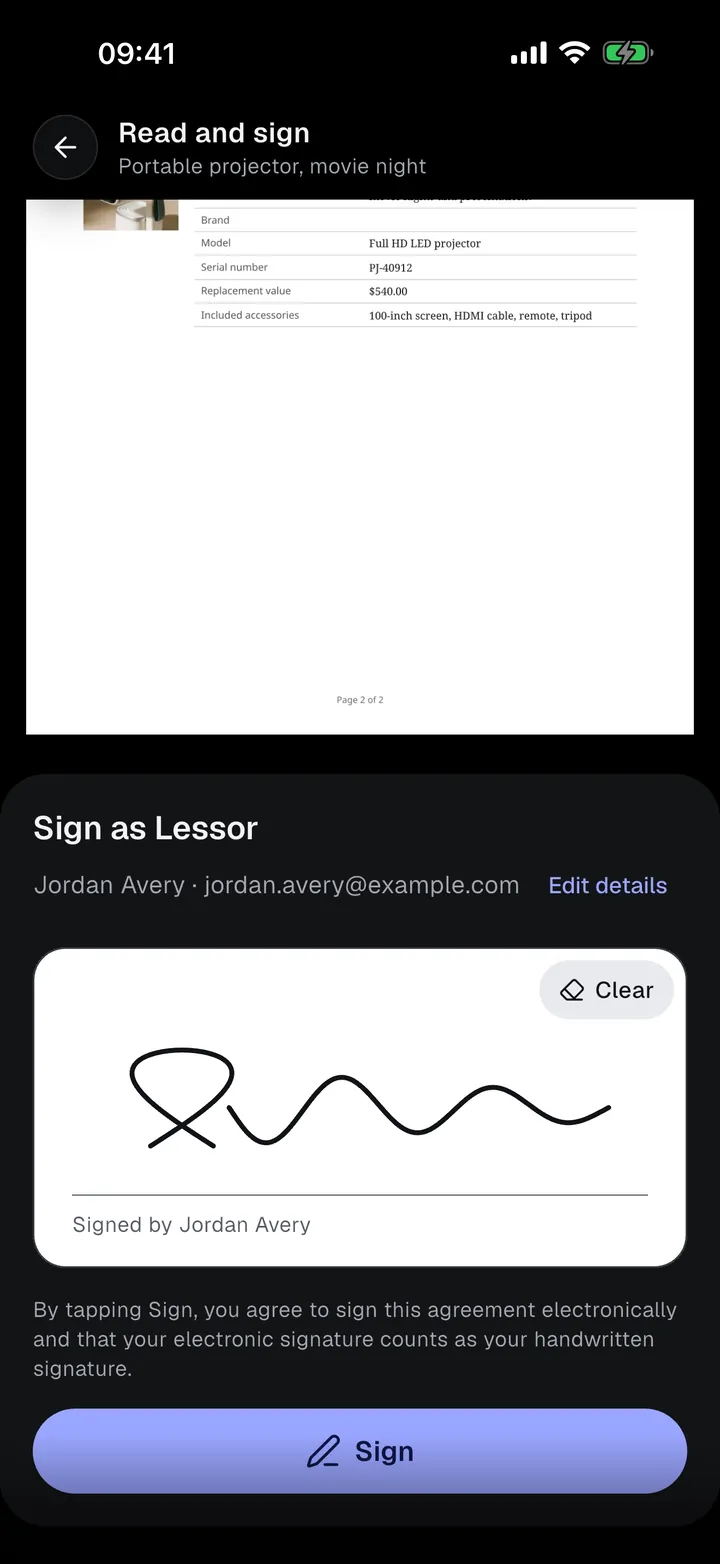
On your phone
Hand over your phone. The other person checks their details, reads the agreement with their details filled in, and signs on the screen.
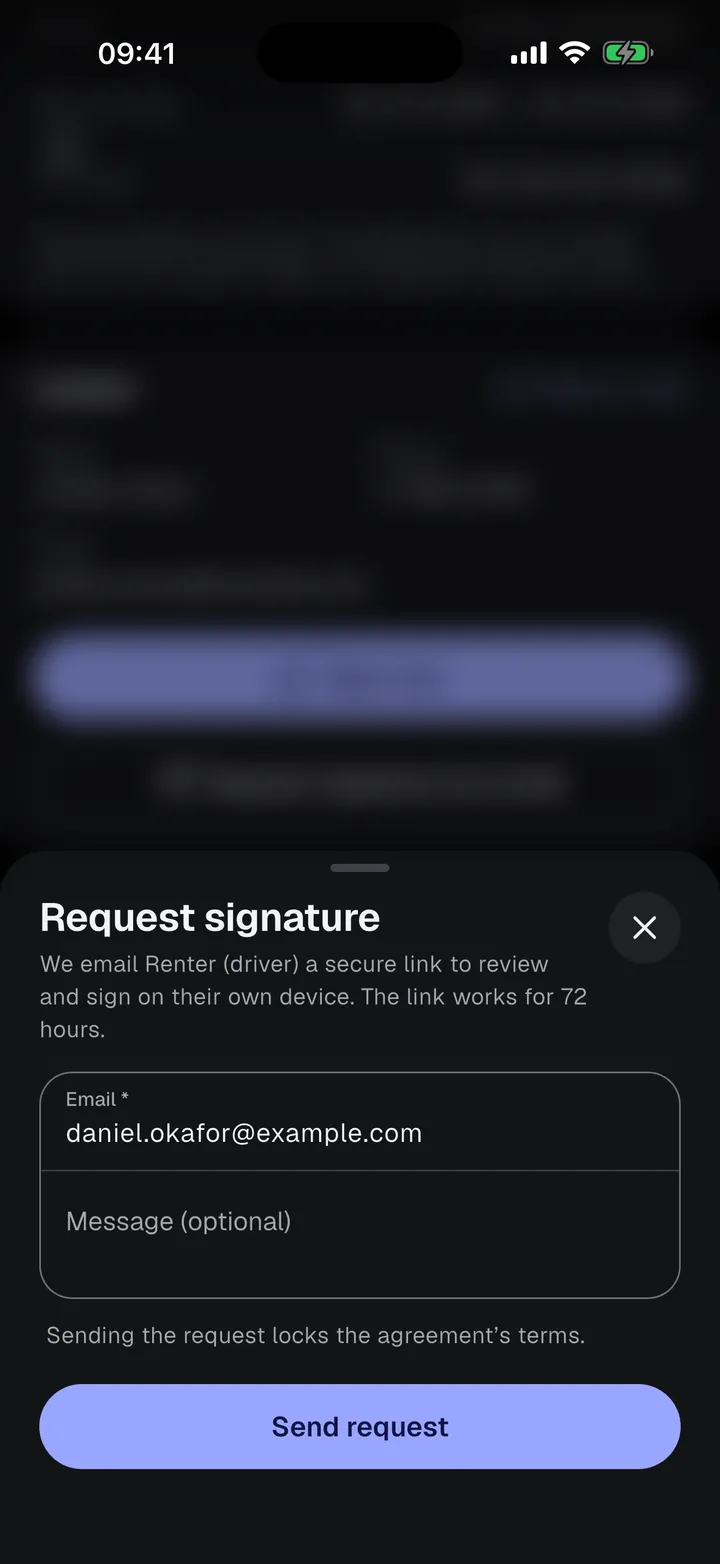
By email
Send a private signing link. They sign on their own phone or computer. The link works for 72 hours, and you can resend or cancel it.
Is there a bike rental agreement template?
Yes. The app has a built-in Bicycle and e-bike rental template with the bike, accessories, rental period, fee, deposit, and condition photos. You can use it as it is or change it.
Can I rent bikes to a whole group?
Yes. A group agreement has one invite link or QR code. Each rider joins, fills in their own details, and signs their part, for example for a guided tour.
Does the renter need the app?
No. Only you need an account. The renter signs on your phone, or opens a private signing link in any browser. The link works for 72 hours.
How do condition photos help if a bike comes back damaged?
The photos are taken at the handover, show when each one was taken, and are part of the agreement both of you signed. You can compare them with the bike when it comes back.

Your next rental, signed on the spot.
Start on the Free plan: 5 individual agreements and 3 group agreements. Upgrade only when you need more.