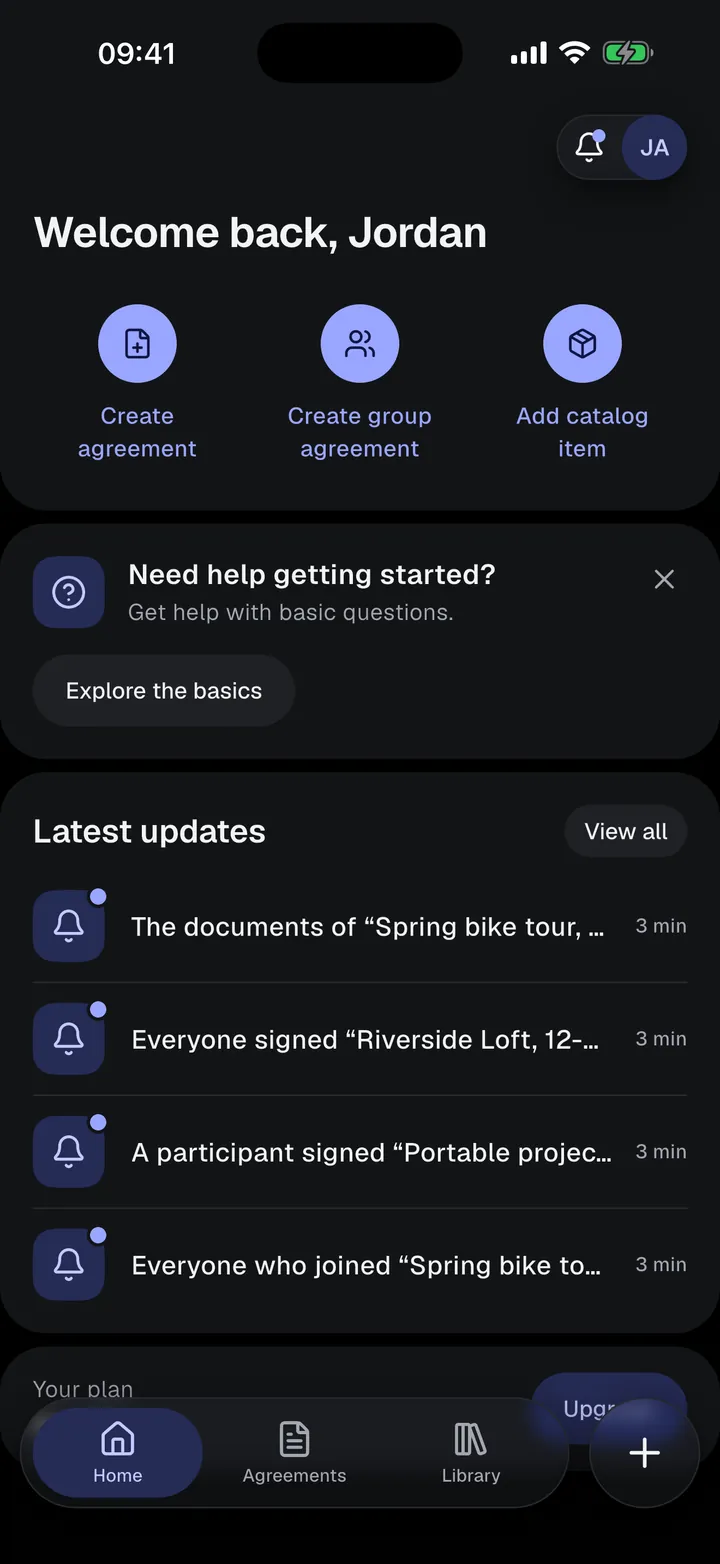
Car rental agreementHand over the keys.Keep the record.
A ready-made car and van rental agreement on your phone. Fill in the vehicle, fuel level, and odometer, photograph its condition, and have the driver sign before they drive away.
- Licence plate, VIN, fuel, and odometer
- Driver’s licence of each driver
- Condition photos with date and time
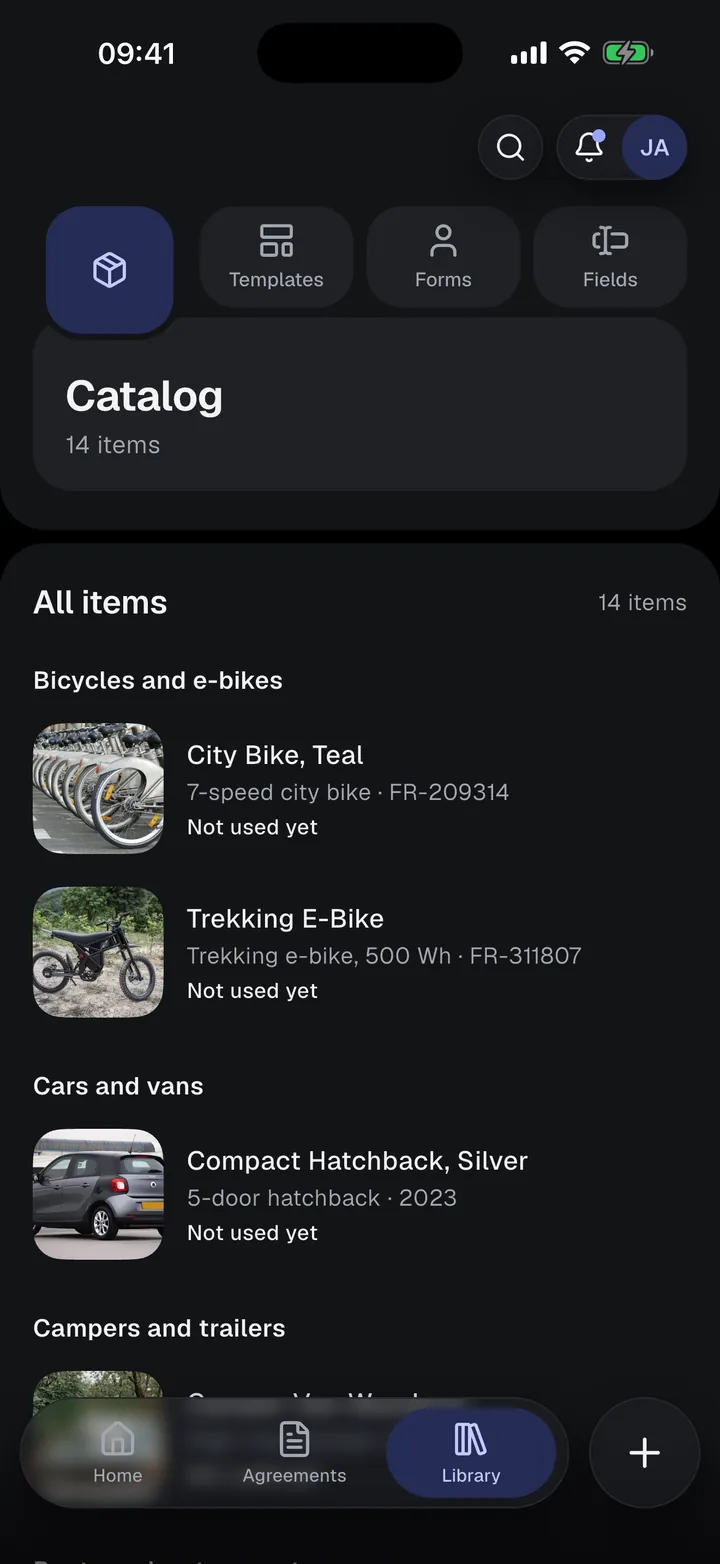
Car and van rental
Written for private and small-business car and van rentals, with drivers and handover details.
Use it as it is, or change the text, fields, and roles and save it as your own template. Available in all 10 app languages.
Rental details to fill in
- Brand, model, year, and colour
- Licence plate and VIN
- Fuel type, fuel level, and odometer
- Mileage limit per day and excess mileage fee
- Pick-up and return time and location
- Rental fee, deposit, and late return fee
- Insurance excess and payment methods
- Allowed countries
- Condition notes and condition photos
The agreement text covers
- Vehicle and handover
- Rental period and price
- Permitted drivers and use
- Fuel, charging, parking, and traffic charges
- Insurance and incidents
- Maintenance and breakdown
- Return, inspection, and deposit
- Early end and changes
Who signs
- Lessor
- Renter (driver), with driving licence number, country, and expiry
- Additional driveroptional
Photograph it at handover. Sign it into the agreement.
Take photos of what you rent out before you hand it over. They appear in the signed agreement with the date and time each one was taken, so if it comes back damaged, you both have a record of how it left.
- Photos sit in the agreement next to the condition notes
- A template can require them before anyone signs
- Locked with the terms at the first signature or signing request
- Use the Condition report template to record the state at return
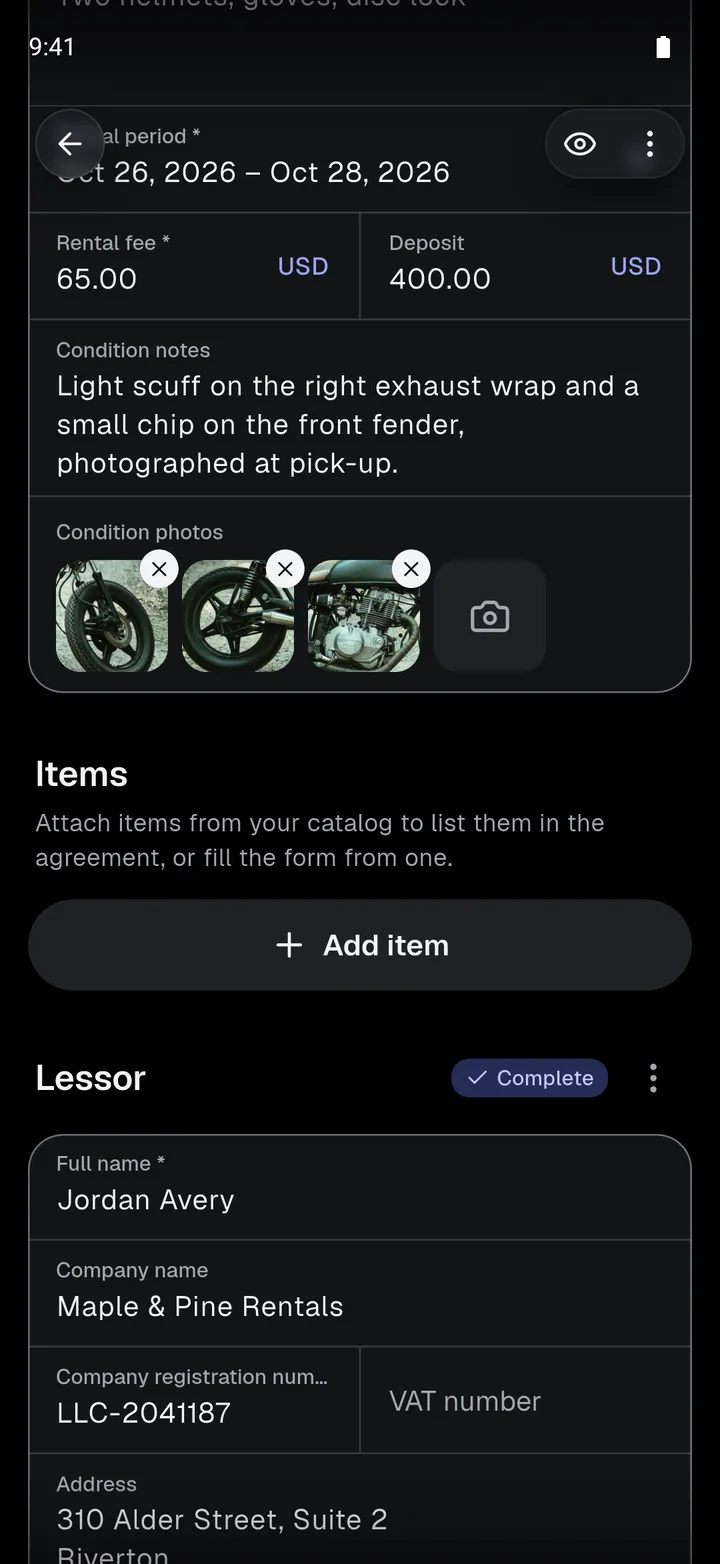
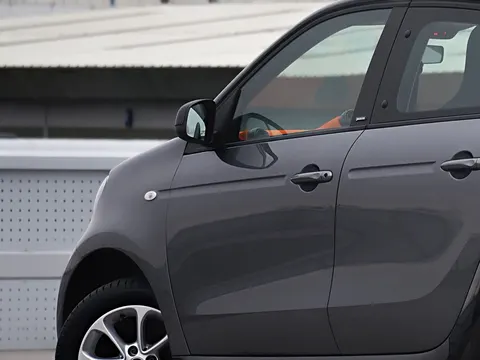 Taken Oct 18, 2026, 9:41 AM
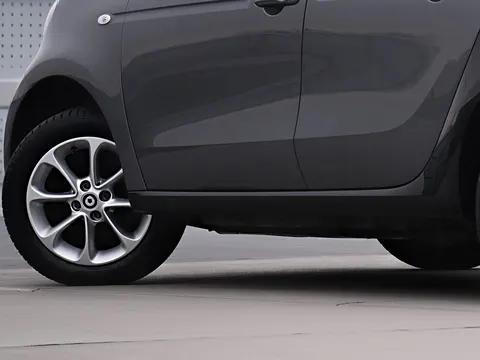 Taken Oct 18, 2026, 9:42 AM
From template to signed PDF, on your phone
- 01
Save your vehicles once
Add each car or van to your Catalog with its licence plate, VIN, fuel type, and seats. Start an agreement from a vehicle and its details fill in.
- 02
Walk around the car
Enter the fuel level and odometer, note existing damage, and take condition photos. They become part of the agreement before anyone signs.
- 03
Sign and hand over the keys
The driver checks their licence details and signs on your phone, or through a private link. Add an additional driver if there is one.
Sign face to face, or send a link.
Only you need an account. Renters, tenants, guests, and witnesses sign without the app.
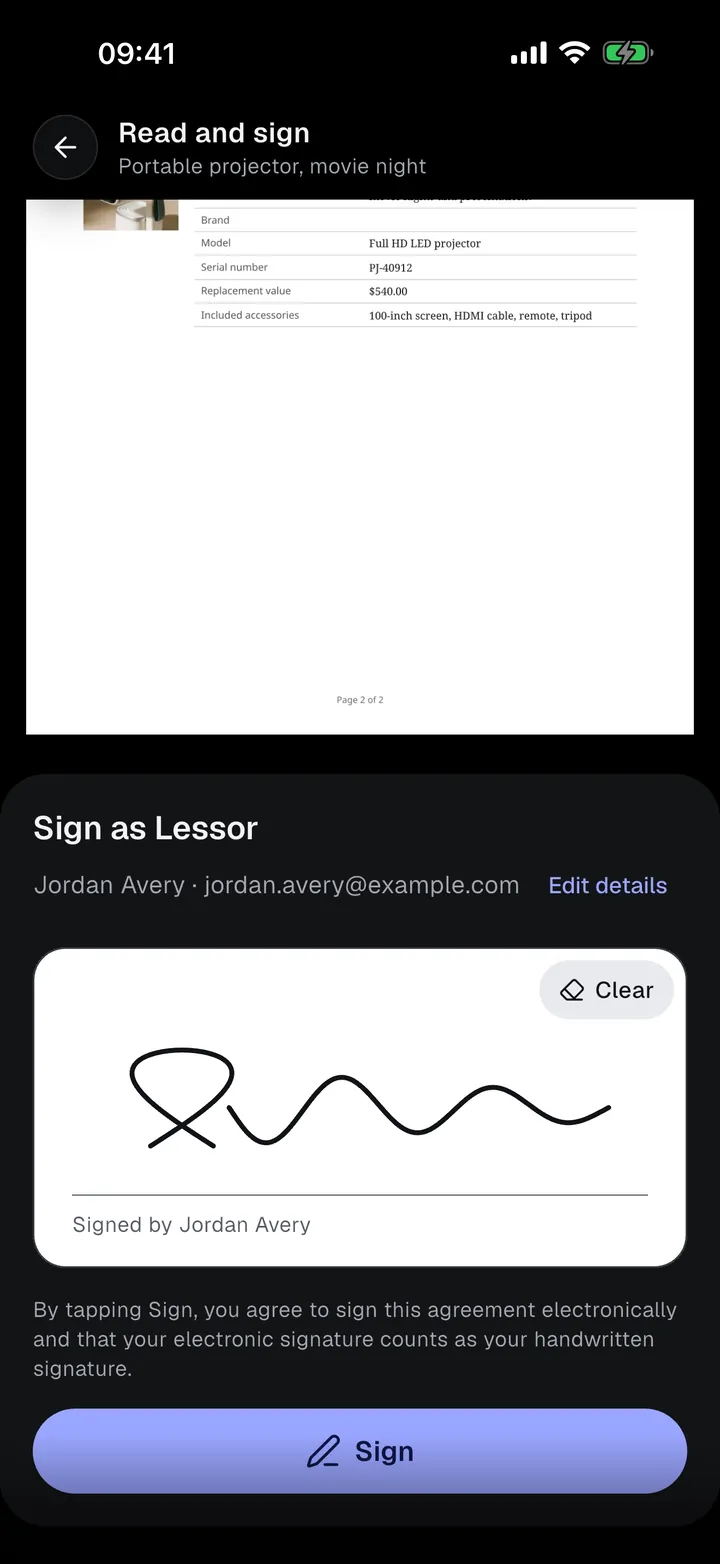
On your phone
Hand over your phone. The other person checks their details, reads the agreement with their details filled in, and signs on the screen.
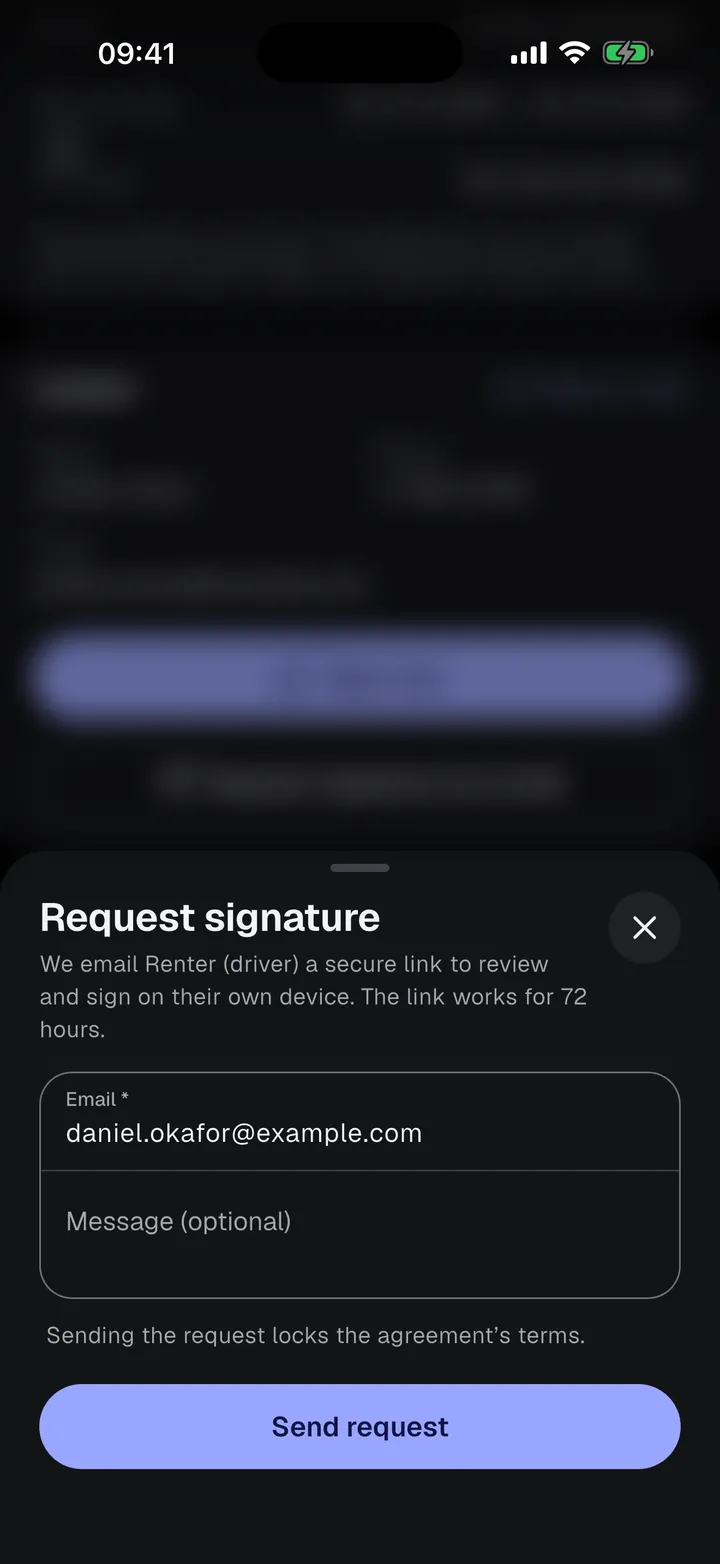
By email
Send a private signing link. They sign on their own phone or computer. The link works for 72 hours, and you can resend or cancel it.
Is there a car rental agreement template?
Yes. The app has a built-in Car and van rental template with the vehicle, fuel, mileage, fees, deposit, insurance excess, and condition photos. You can use it as it is or change it.
Can I record the driver’s licence?
Yes. The Renter (driver) form asks for the driving licence number, the country that issued it, and its expiry date. An optional Additional driver form asks for the same licence details.
Can I note the fuel level and mileage at handover?
Yes. Fuel level, odometer, and the mileage limit per day are fields of the template, and the condition photos can show the dashboard as well.
Does the renter need the app?
No. Only you need an account. The driver signs on your phone, or opens a private signing link in any browser. The link works for 72 hours.

Your next rental, signed on the spot.
Start on the Free plan: 5 individual agreements and 3 group agreements. Upgrade only when you need more.