
Sign on your phone
Hand over your phone so the other person can check their details and sign, face to face.
Sign now
On a participant’s card, tap Sign now and hand over the phone. The person goes through two steps:
- Your details: shown only when something is missing. The person checks and completes their details, then taps Continue to agreement.
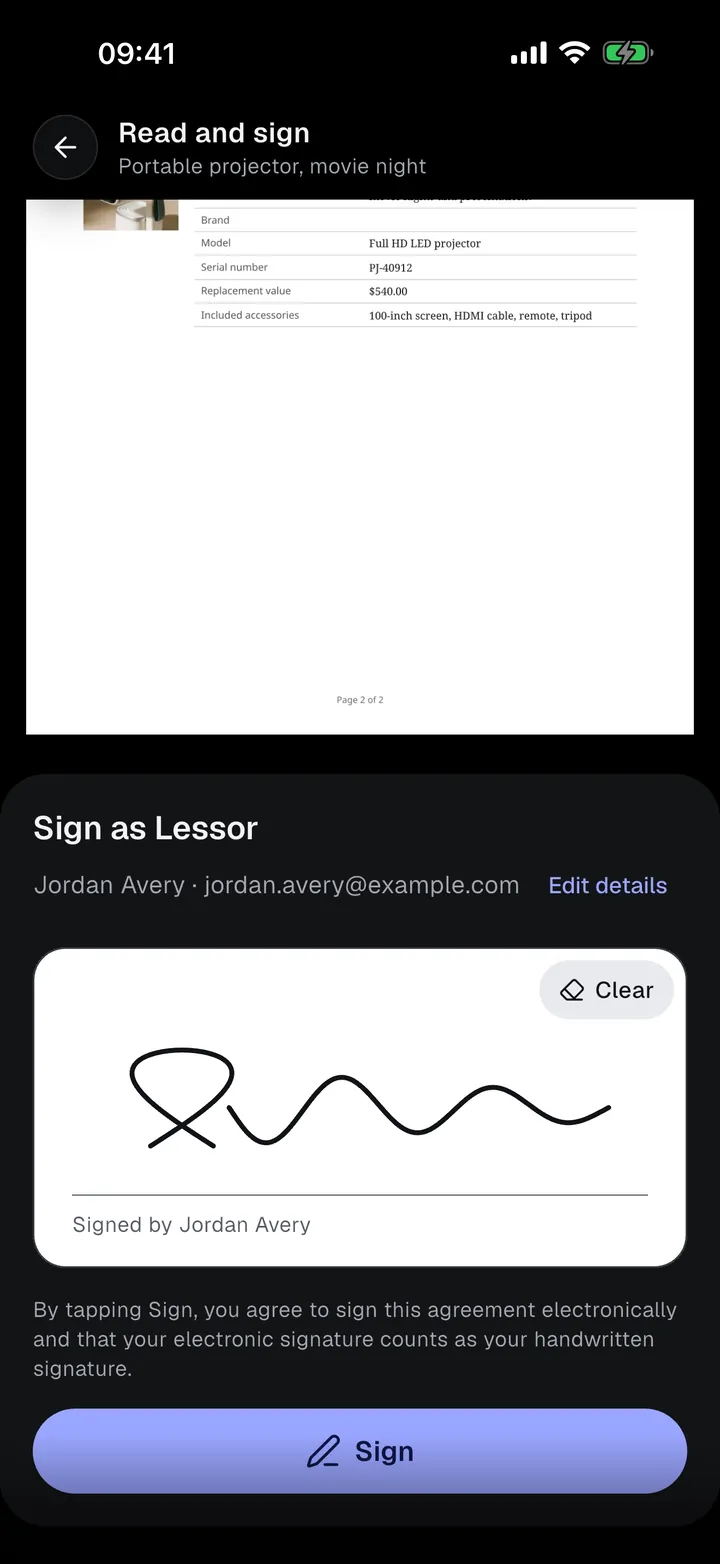
- Read and sign: the agreement with their details filled in, page by page. Tap a page to zoom. Go to signature jumps to the signature box. The person draws their signature and taps Sign.
Tapping Sign confirms that they agree to sign electronically and that their electronic signature counts as their handwritten signature.
Everyone in turn
Each participant signs in turn, including you. When everyone has signed, the app shows “Creating the signed document…” for a few seconds, then the agreement is Signed.
The first signature locks the agreement’s terms. Add any required condition photos before anyone signs.